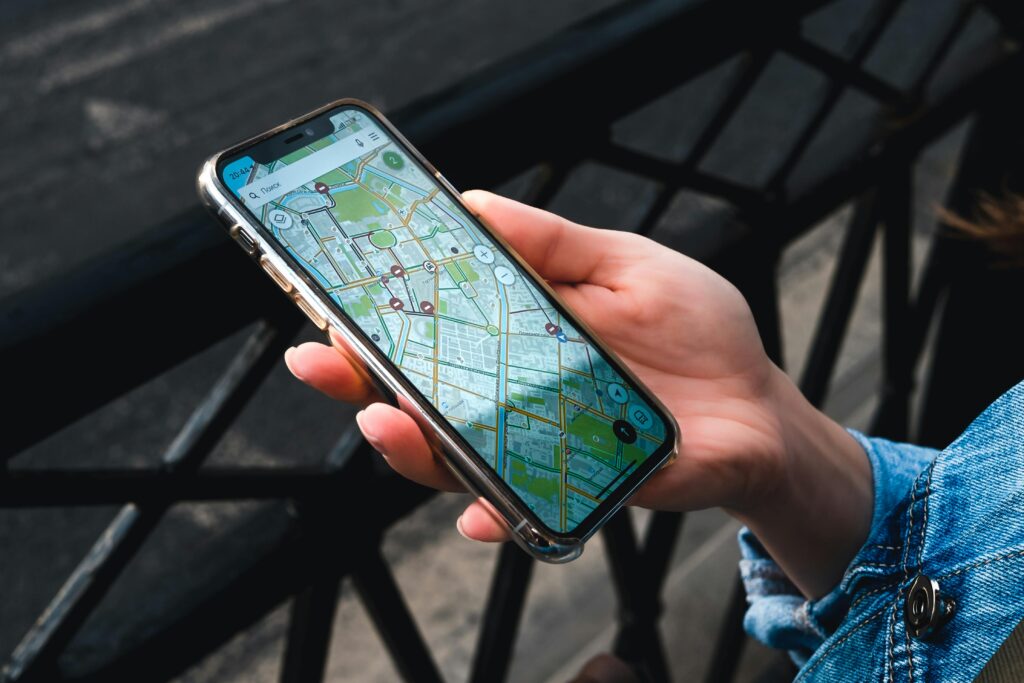
Many travelers arrive in South Korea and open their favorite app—Google Maps. But soon, they get frustrated. Why is the location blurry? Why are there no walking directions?
In Korea, Google Maps doesn’t work well due to national security regulations. To navigate like a pro, you need to switch to Naver Map. Here is why!
1. Google Maps: Good for Reviews, Bad for Navigation
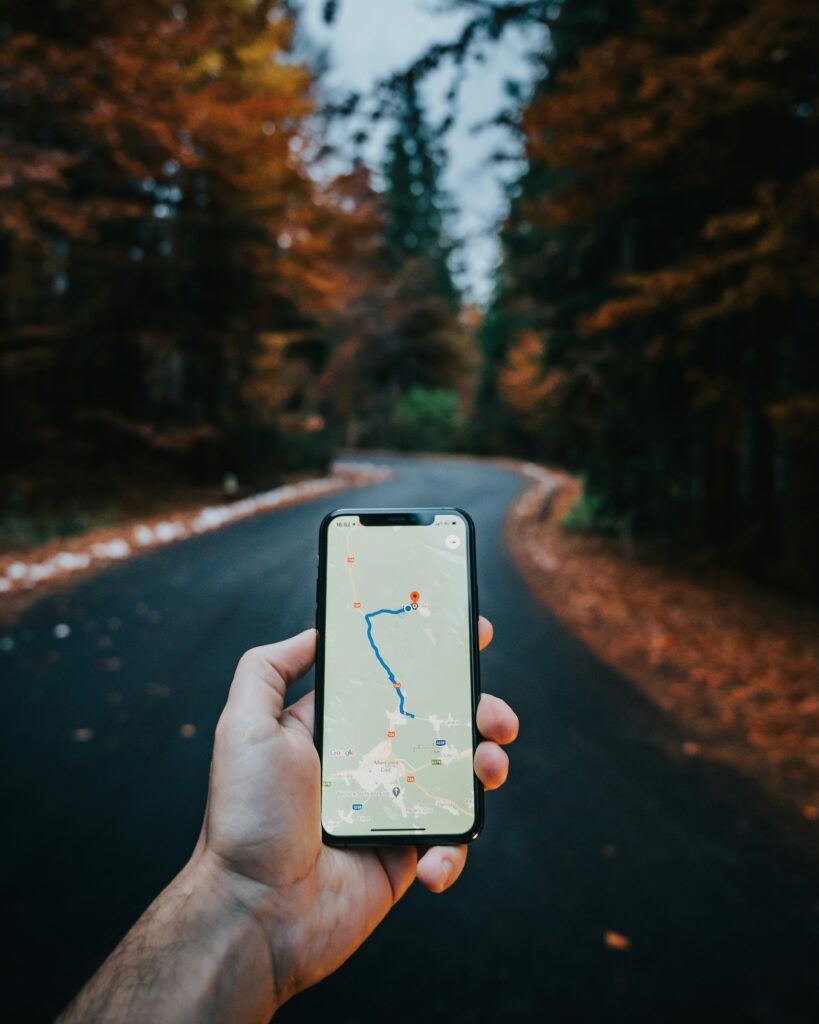
Google Maps is great for checking English reviews of a restaurant. However, for actual directions, it’s outdated. It won’t show you real-time bus arrivals or accurate walking paths.
- Tip: Use Google Maps only for finding famous spots, not for getting there!
2. Naver Map: The King of Korean Roads
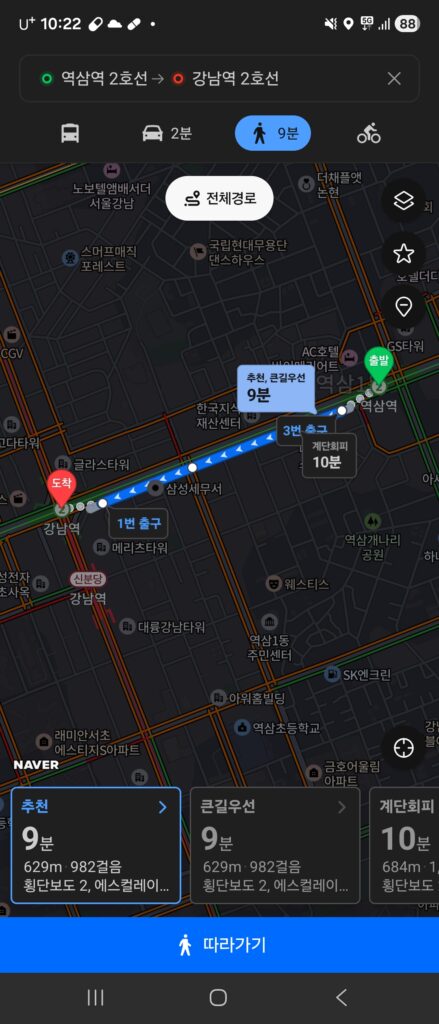
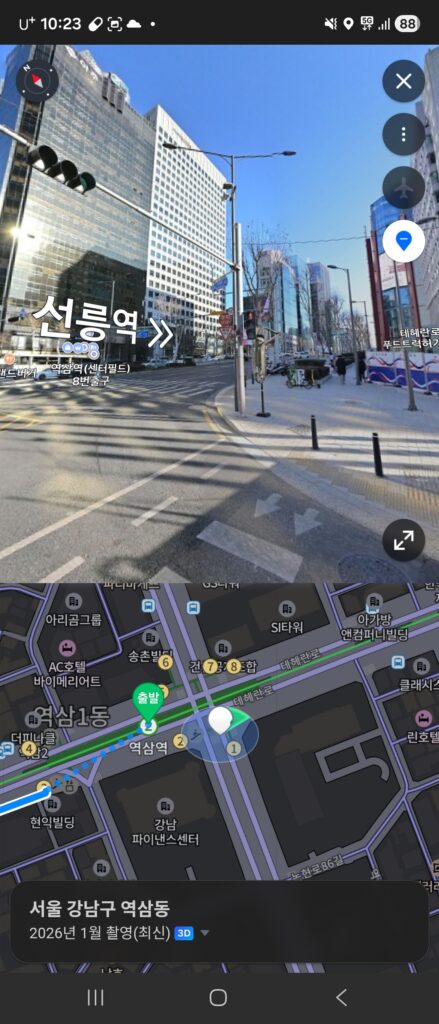
Naver Map is the ultimate tool. It shows everything in high detail, including subway exits, bus arrival times, and even which building floor a cafe is on.
- Best Feature: The real-time “Walking Mode” with an arrow pointing exactly where you are facing. You’ll never get lost!
3. Language Support
Wait, is Naver Map only in Korean? No! You can change the settings to English, Chinese, or Japanese. Most major places are searchable in English, making it very foreigner-friendly.
(Check out my previous post about other Essential Apps for Korea to make your trip even smoother!)
💡 Pro Tip for Travelers:
When searching in Naver Map, sometimes the English address doesn’t work perfectly. Try copying the Korean address from a blog or Google and pasting it directly into the Naver search bar for 100% accuracy.
Have you ever felt lost because of Google Maps in another country? Tell me your story in the comments!Maps in another country? Tell me your story in the comments!

Leave a Reply